


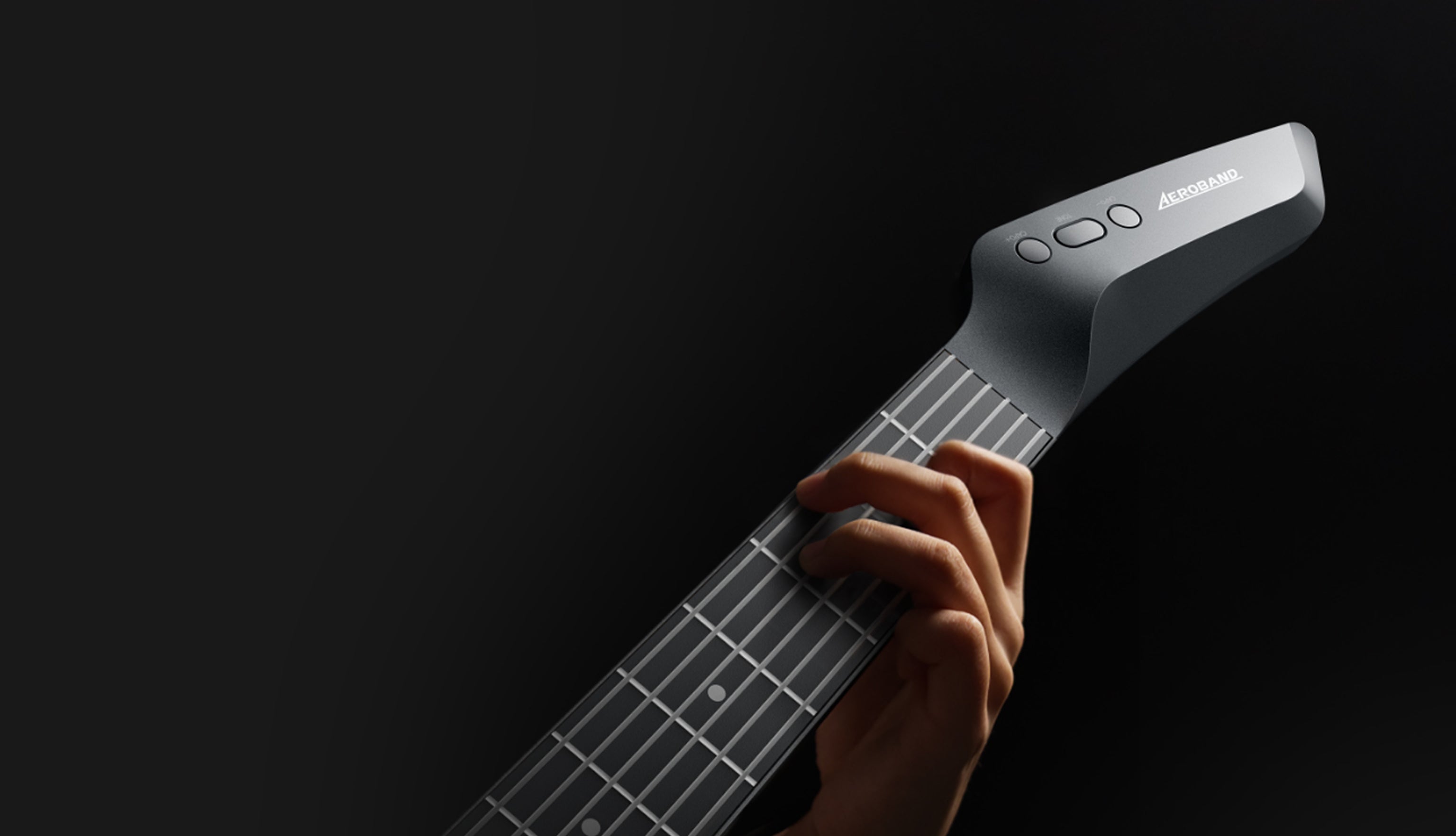
You’ve plugged in your new digital guitar, ready to explore a universe of tones and effects. You strike a chord, but the sound from your speakers or headphones arrives a split-second late. That jarring disconnect is latency, and it can turn a creative practice session into a frustrating mess. This guide will break down exactly what causes this delay and provide you with quick, actionable fixes to achieve a zero-delay playing experience, allowing you to focus on what truly matters: making music.

What Latency Is and Why It Matters
In the world of digital audio, latency is the small delay between an action (plucking a string) and the resulting sound being heard. It’s the time it takes for your guitar's signal to be converted to digital data, processed by your computer or device, and then converted back into an audible sound wave. While a few milliseconds are unnoticeable, anything more can be incredibly disruptive.
This delay makes it feel like you're playing out of sync with yourself. It throws off your rhythm, feel, and timing, making even simple exercises a challenge. For anyone learning how to play guitar, this can be a major roadblock, creating a disconnect between your hands and your ears that hinders progress and makes playing feel unnatural.
Where Is the Delay Coming From?
To fix latency, you first need to understand the journey your guitar's signal takes. Every component in this signal chain adds a tiny bit of delay. Your total latency is the sum of these small delays. The typical signal path looks like this:
Guitar → Cable → Audio Interface → Computer (Processing) → Output (Headphones/Speakers)
The biggest sources of noticeable latency are almost always the Audio Interface drivers and the Computer's processing. By optimizing these two areas, you can solve the vast majority of delay issues.
Check and Adjust Your Buffer Size
The single most common cause of latency is a buffer size that is set too high. Think of the buffer as a temporary waiting room for audio data before it gets processed by your computer.
- A Large Buffer Size: Gives your computer more time to process the audio, which prevents pops, clicks, and dropouts. However, this extra time creates noticeable latency.
- A Small Buffer Size: Gives your computer very little time to process, resulting in extremely low latency. However, this demands more from your computer's CPU and can cause audio glitches if the processor can't keep up.
To fix this, go into the audio settings or preferences of your amplifier modeling software or Digital Audio Workstation (DAW). Find the "Buffer Size" setting (sometimes called I/O Buffer Size or Block Size) and lower it. A setting of 128 samples or lower is ideal for playing and recording. If you hear pops and clicks, raise it to the next level (e.g., 256 samples) until the audio is stable.
Optimize Your Audio Interface and Drivers
Your audio interface is the bridge between your guitar and your computer. Ensuring it's running efficiently is crucial.
If you are a Windows user, you absolutely must use an ASIO (Audio Stream Input/Output) driver. This is a special type of driver that allows your software to communicate directly with your audio interface, bypassing the slower, latency-inducing audio processing built into the Windows operating system. Your interface manufacturer will provide a dedicated ASIO driver—download and install it.
Many audio interfaces have a "Direct Monitoring" feature. When activated, this sends your guitar's raw, unprocessed signal directly from the interface's input to its headphone and speaker outputs before it even goes to the computer. This provides true zero-latency monitoring. The trade-off is that you won't hear the amp and effects processing from your software, but it's perfect for practicing or recording a clean track without any delay.
Tweak Your Computer for Peak Performance
Your computer's overall performance has a direct impact on how low you can set your buffer size without issues. A few simple tweaks can free up valuable resources.
- Close Unnecessary Programs: Before you start a practice session, close all other applications, especially web browsers, streaming services, and anything else that uses significant CPU power.
- Update Your Software and Drivers: Make sure your operating system, audio interface drivers, and guitar software are all up to date. Developers frequently release updates that improve performance and efficiency.
- Set Your Power Plan to "High Performance": On both Windows and macOS, default power-saving modes can throttle your CPU's speed to save energy. Setting the power plan to "High Performance" ensures your processor is always running at full speed, giving you the power needed for low-latency audio processing.
Could It Be Time for an Upgrade?
If you've tried all the software fixes and still struggle with latency, your hardware might be the bottleneck.
- The Audio Interface: A high-quality, modern audio interface from a reputable brand will have better drivers and faster components, leading to lower inherent latency. If you're using an older or very cheap model, this is the first piece of gear to consider upgrading.
- The Computer: Audio processing is CPU-intensive. An older computer with a slow processor or limited RAM will struggle to handle low buffer sizes. While you don't need a supercomputer, a modern multi-core processor is a huge benefit for any digital guitar setup.
- The Cables: While a bad cable won't typically cause latency, it can cause signal loss, noise, and dropouts. Ensure you're using good-quality, well-shielded instrument cables.
Whether you're building a home studio or a compact rig with a travel guitar, a quality interface is a non-negotiable part of the setup.
Conclusion
Latency is a common frustration in the world of the digital guitar, but it is almost always fixable. By starting with the most likely culprits—your buffer size and audio drivers—and then methodically optimizing your computer and hardware, you can drastically reduce or eliminate delay. A latency-free setup allows your instrument to feel responsive and natural, freeing you to focus on learning how to play guitar and expressing yourself creatively, without any technical hurdles getting in your way.
FAQs
What is considered a "good" latency number?
Total round-trip latency (from your guitar, through the computer, and back to your ears) below 10 milliseconds (ms) is generally considered excellent and virtually unnoticeable for most players. Anything between 10ms and 15ms is acceptable, but latency above 20ms becomes noticeably distracting.
Will a faster computer eliminate latency?
A faster computer will not eliminate latency, as there will always be a tiny amount of time needed for processing and data conversion. However, a more powerful CPU will allow you to run your system at a much lower buffer size (e.g., 64 or 32 samples) without clicks and pops, which will get your latency down to an imperceptible level.
Is latency a problem with all digital guitar setups?
Latency is a potential issue with any system where an analog signal is converted to digital for processing. This includes computer-based setups and, to a lesser extent, standalone multi-effects pedals and modeling amps. However, high-quality standalone units are designed as closed systems and are optimized to have extremely low, unnoticeable latency right out of the box.
Can a bad guitar cable cause latency?
A bad cable does not cause noticeable latency (delay). It causes other problems like signal loss (a weak or thin sound), noise (humming or crackling), or intermittent signal cutouts. The time it takes electricity to travel through a cable is so infinitesimally small that it has no bearing on audible delay.
When looking at a guitar for sale, does the guitar itself affect latency?
The digital guitar or standard electric guitar itself has virtually no impact on latency. The delay is generated after the signal leaves the guitar and enters your audio interface and computer. So, whether you're learning how to hold a guitar for the first time or are an experienced player, you can be confident that the guitar is not the source of your delay issues. In fact, choosing the right instrument is more about playability and features, which is why a digital guitar can be a great choice for beginners.


Share:
Double Bass on Air Drums: A Quick Guide
Air Drums vs. Electronic Drum Pads: Which Portable Drumming Solution is Right for You?